Setup that tells you what to fix next
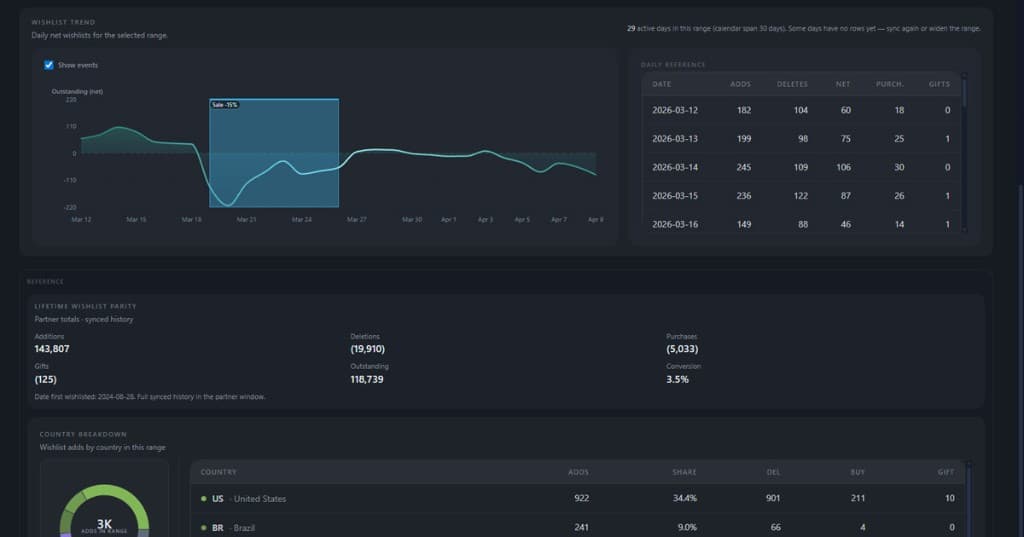
See when charts move down, what happened around that moment, and get a clear overview of the sales events behind the change.
Mirevoq is a Steam intelligence workspace for game teams — clear Steam data, impact timelines, and decision-ready briefs computed from tracked data and trust states.
*14-day trial included.
Start with the weekly operating loop every Steam team needs. Upgrade when you want deeper intelligence, richer context, and faster answers across more decisions.
Core
Run your Steam week with confidence
Pro
Turn product data into sharper moves
From the first operating account to Pro intelligence: manage the moments that affect demand, understand player feedback faster, and keep every decision tied to evidence.
Run every Steam game with your team
See multiple games in one account and give teammates shared access to the same source health, KPIs, events, and reports.
Manage launch, patch, and market events in context
Track the events that move demand, then read their impact beside revenue, wishlists, reviews, and source health.
Turn Steam reviews into product signals
Bring game reviews into one place and automatically group them into useful buckets, so feedback becomes a roadmap input instead of a wall of text.
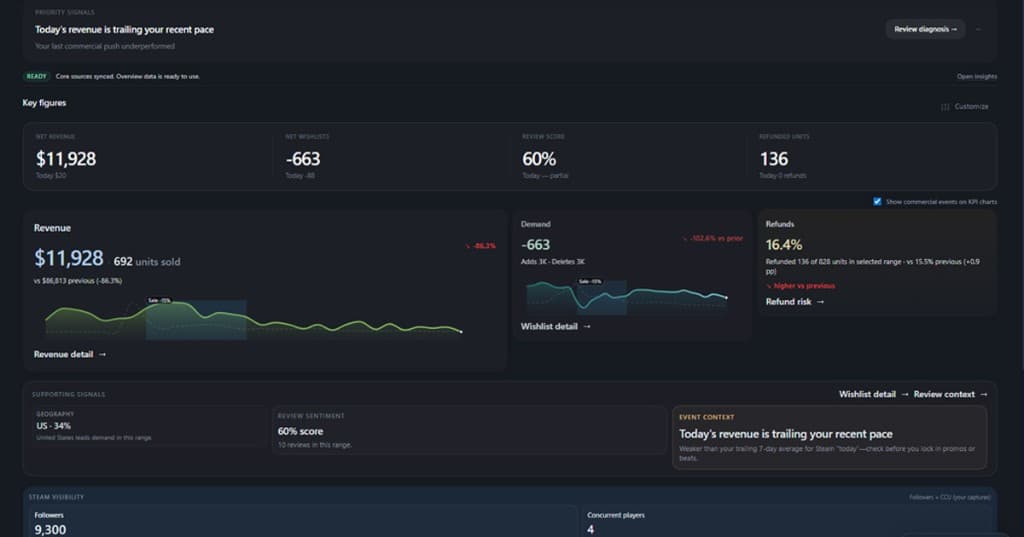
A preview of the decision surfaces inside Mirevoq: evidence, risk, events, and next steps in one place instead of scattered exports and status checks.
See when charts move down, what happened around that moment, and get a clear overview of the sales events behind the change.
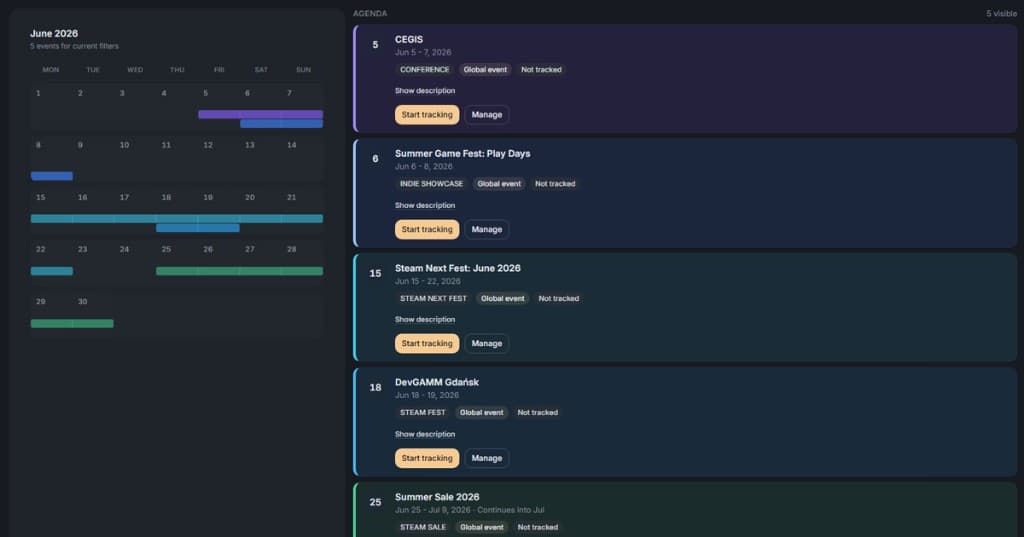
Track Steam festivals, conferences, updates, sales moments, and your own custom events in one calendar so campaign context is visible before the numbers move.
More useful than the usual stack: trends, validation, and sync reality live in one workflow.
Steam-shaped questions first - weekly slices, launch windows, patch weeks - not an empty canvas waiting for a metric library.
Complete, partial, stale, failed, and blocked sit beside the KPIs, so teams know what to trust and what to fix next.
No separate dashboard for trends and a separate spreadsheet for validation. Mirevoq keeps both in the same workflow.
Weekly reviews, launch check-ins, and handoffs to publishers - without building a private analytics stack.
Move from sync to a decision-ready view without building a private analytics stack.
Step 1
Add your Steam app and connect sources
Start with one game so the baseline matches how you already report.
Step 2
Run sync and verify source health
See ready, partial, stale, or blocked in one place - before you paste numbers anywhere.
Step 3
Open one operating view and decide
See what changed, whether the numbers are safe to use, and what needs action next.
Choose the plan that fits your workflow and get started with a 14-day trial included.
*14-day trial included.